
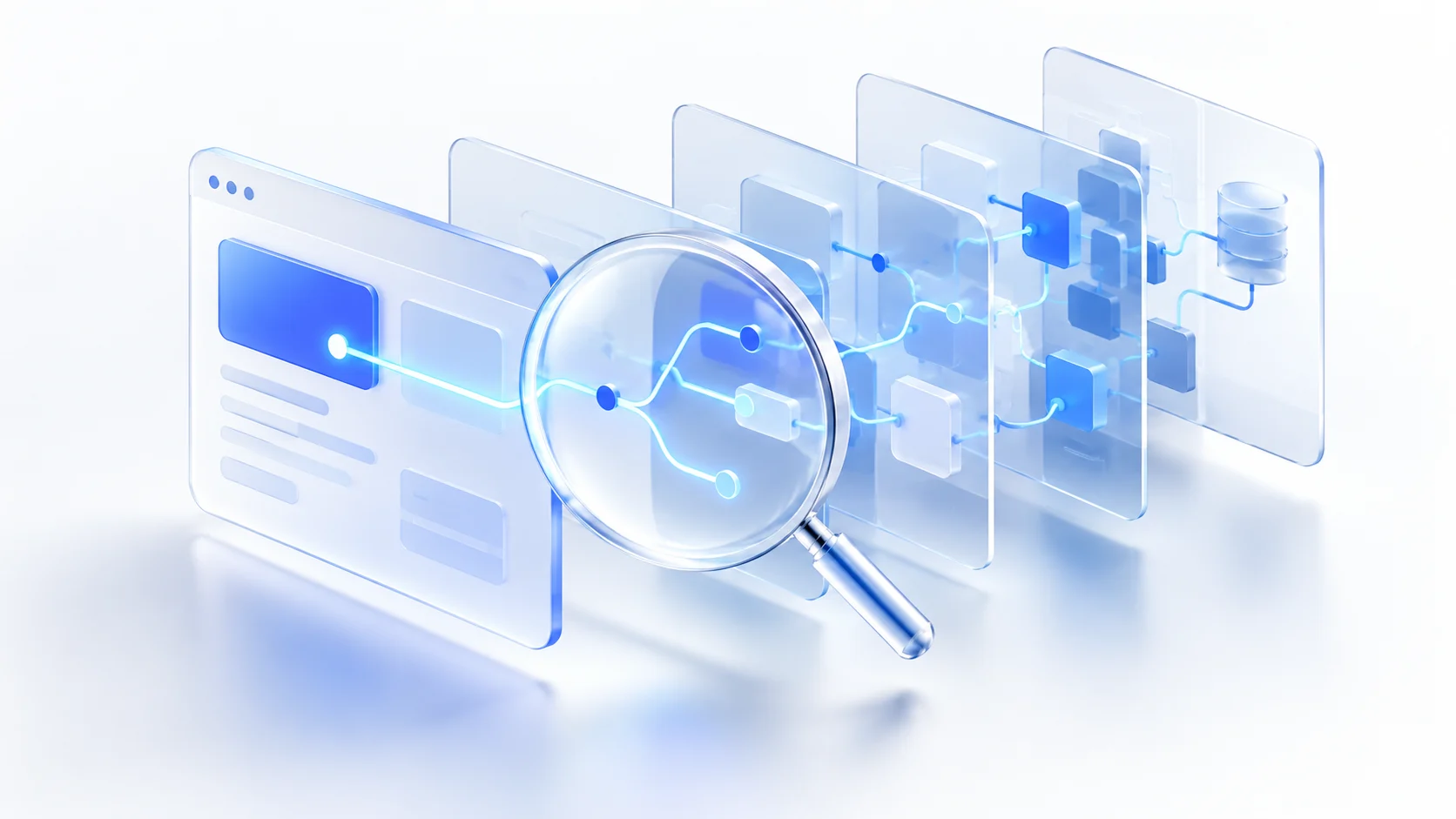
A recent discussion about REA raises an intriguing question: if you have an installed app but no source code, can AI explain how one of its features works? Sometimes it can find useful clues, but those findings still need checking. REA, short for Reverse Engineer Anything, connects an AI coding assistant to software analysis tools. The assistant investigates a specific question and presents the evidence behind its explanation. REA is not a button that makes a complete copy of any app.
What does REA actually do?
Reverse engineering starts with a program, package, or running website and works backward to understand its behavior. REA gives compatible AI coding assistants access to analysis tools through MCP, and it also offers command-line workflows. An assistant can inspect a target, follow relevant code or behavior, and report what it found.
That is different from asking a chatbot to guess how a feature was built. A plausible answer can still be wrong. With REA, the useful question is whether the answer points to evidence from the program that was actually examined. Even an evidence-backed explanation can be incomplete.
What can it inspect, and where are the limits?
REA's official documentation covers JavaScript and Electron apps, behavior visible in a browser, and local program files that specialized tools can analyze. The setup depends on the target. Static JavaScript analysis is relatively approachable; deeper native analysis usually needs another tool such as Ghidra, Hopper, or IDA.
Access to a program file or a browser request does not reveal the developer's original project. Decompiled output may lack the original names, comments, and design decisions. Watching a website also does not expose its private server code. A reconstructed explanation is not the same thing as recovering complete source code.
A sensible first experiment
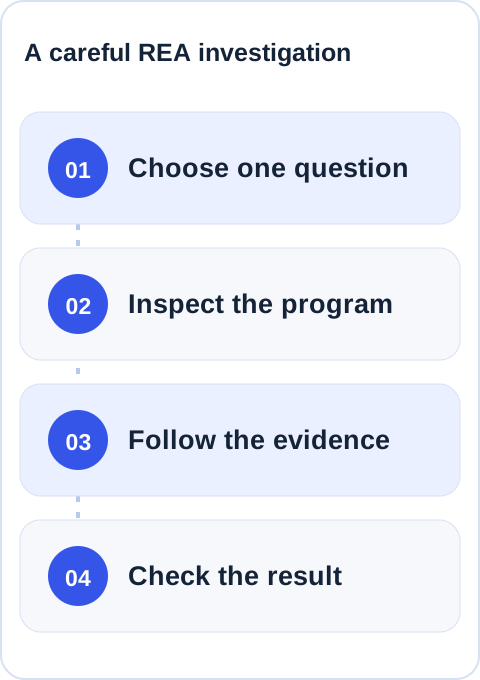
If you already use an AI coding assistant that can work with local files, start with a small app you built, an open-source example, or software you have permission to examine. REA's own guides include a Notes app export example whose behavior is easier to check than that of a large commercial app.
- Check the prerequisites. The official setup guide lists supported Node.js versions, installation options, and coding assistants. REA is not a browser-only chat product.
- Install from the official project. Its setup command is
npx rea-agents@latest setup. Review the proposed configuration changes before approving them, then restart your assistant as instructed. Avoid lookalike repositories. - Ask one narrow question. For example: “Inspect the CSV export in this app I am authorized to analyze. Show the steps after I click Export, cite the evidence you found, and label anything you cannot confirm.”
- Check the result yourself. Export a file in the app and compare what happened with the assistant's account. Ask it to separate direct observations from inferences.
If you do not use a coding assistant or do not want to install analysis tools, the official worked examples are a useful way to understand the idea without setting up the software.
Why does it matter?
REA illustrates a wider shift from AI that merely answers questions to AI that can use tools to investigate them. That could save time for people maintaining old software, studying compatibility, or understanding a feature in their own product. Faster investigation does not make every conclusion correct, and it does not grant permission to analyze or copy someone else's work. Use it on targets you own or are authorized to examine, and remember that results given to an AI assistant may be handled under that assistant provider's data policy.
When evaluating tools like this, ask: What did the assistant inspect? Which findings can someone reproduce? Where is it still guessing? Those questions tell you more than a promise to “reverse engineer anything.” Our article on AI moving from answers to action explores why reviewable results matter.
Sources and further reading: the X discussion that prompted this article, the official REA repository, and the official setup guide.