Something interesting has been happening in maker communities lately.
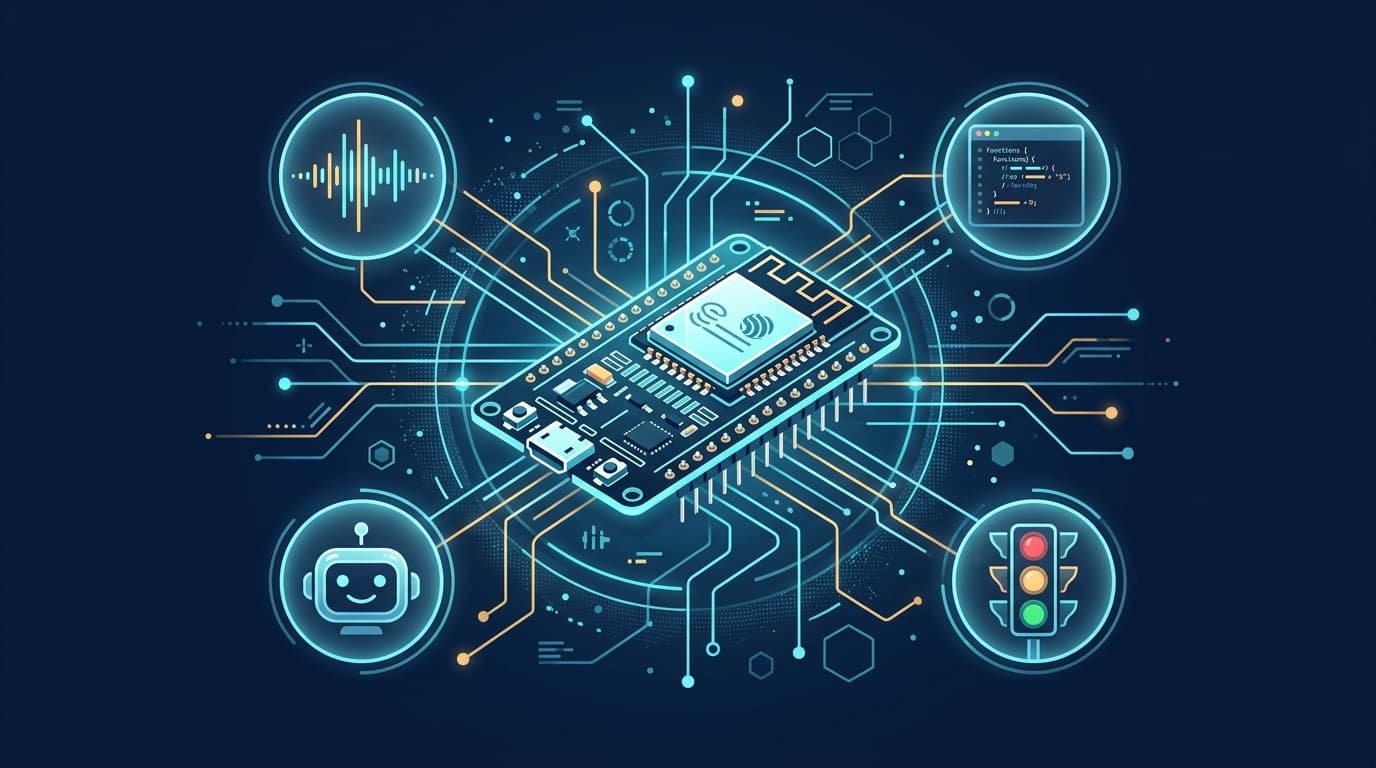
A tiny microcontroller board called the ESP32—made by Espressif, with built-in Wi-Fi and Bluetooth—has become the darling of AI hobbyists. It costs roughly $10–15 for a board with a touchscreen display, less than a decent lunch.
What's driving the excitement isn't the hardware itself. It's the realization that pairing an ESP32 with AI lets you build things that used to require hundreds of dollars in equipment. Voice assistants, physical agent status indicators, local image recognition—projects that were once firmly in the realm of professional engineers are now weekend builds for curious tinkerers.
Here are the seven most popular ways people are using ESP32 boards with AI right now.
1. Press a Button, Talk to Your Own AI Agent
Notable project: Hermes Gadget SDK (open source, MIT license)
Picture a device smaller than a TV remote with a microphone, a tiny speaker, and a single button. Hold the button, speak, release—your voice gets sent to a self-hosted AI agent, and the answer plays back through the speaker a few seconds later.
Unlike commercial smart speakers:
- No "always listening" privacy concern—it only records while the button is pressed
- The agent can use your own tools—turn on lights, check the weather, search files, depending on your setup
- It asks before doing anything risky—no silent execution of high-stakes commands
The most common hardware combination is an ESP32-S3 with an INMP441 microphone and MAX98357A amplifier. The firmware is open source, flashable through a browser via USB. You can even test the workflow in a simulator before soldering anything.
🔗 GitHub: Adolanium/hermes-gadget-sdk
2. A Desktop Dashboard for Your AI Usage Quota
If you're a heavy user of Claude Code or Codex, you've probably had this frustration: How much quota have I used? How much is left? When does it reset? Checking means opening a terminal and running a command every time—annoying.
Someone built a small desktop dashboard using an ESP32 and a display that periodically pulls quota data via API and shows it on screen, always on. One glance tells you whether you can keep asking the AI to work.
The hardware cost is maybe $10–15, but the saved context-switching might be worth far more.
🔗 Reference project: cx4/StatusLed (supports both quota and status display)
3. Agent Status Light—See What Your AI Is Doing at a Glance
This is one of the most replicated projects in the community right now.
The concept is simple: an ESP32 drives a few LEDs or a miniature traffic light model, connected to your computer via Bluetooth or Wi-Fi. When your AI coding assistant (Copilot, Claude Code, Codex, etc.) changes state, the light color changes too:
| Color | Meaning |
|---|---|
| Breathing blue | AI is thinking |
| Slow yellow flash | Executing a task |
| Solid green | Task complete |
| Fast red flash | Error, or waiting for your confirmation |
The most useful scenario is "waiting for your confirmation." Many people run AI coding tasks and switch to something else, but the AI hits a step that needs you to click "approve" and just sits there waiting. A blinking red light on your desk is far more efficient than repeatedly switching back to check your terminal.
Some people have even built these as animated character eyes that blink—placed next to a monitor, they're genuinely charming.
🔗 Open source projects:
- cx4/StatusLed — Supports Claude Code and Codex, Wi-Fi / BLE / USB
- codeskyblue/cclight — MicroPython, minimal setup
- StartHex/codex_agent_status_light — Purpose-built for Codex CLI
4. A Fully Local Voice Assistant—Your Data Never Leaves Home
Notable project: XiaoZhi (xiaozhi-esp32) + DeepSeek
This is an especially active area in the Chinese maker community. An ESP32-S3 board with a microphone and speaker, flashed with the open-source XiaoZhi firmware, handles speech recognition and conversation through a local server or the DeepSeek API.
The difference from Siri or Alexa:
- You control where your data goes—run inference locally, or choose your own cloud API
- MCP protocol support—can directly control smart home devices
- Extremely low cost—the full hardware kit with display runs $15–25
Many people build these as desktop ornaments with round displays showing conversation status. The firmware supports web-based flashing, and network configuration works by scanning a QR code from your phone. The technical barrier is lower than you'd expect.
🔗 GitHub: 78/xiaozhi-esp32 · Website: xiaozhi.dev
5. Board Not Supported? Let AI Port It for You
Here's a use case that's a bit indirect but genuinely eye-opening: someone bought an obscure ESP32 board whose screen and touch controller weren't supported by any official library. So they fed the board's spec sheet to Claude Code and let the AI write the driver adaptation code.
The AI coordinated multiple programming tools, produced screen drivers, touch drivers, and microphone adapters, and actually got the "unsupported" board working.
The takeaway: even if the hardware you bought has no ready-made tutorials, AI is already capable of helping you adapt from scratch. The entry barrier is being lowered by AI itself.
6. Running Vision Models Directly on the Board
Espressif provides an official library called ESP-NN—a neural network acceleration toolkit optimized for the ESP32 chip family.
Running a person-detection model with ESP-NN on an ESP32-S3 takes roughly 47 milliseconds per frame. For a chip that costs under $3, that speed is remarkable. And everything runs locally—no camera feed uploaded to any cloud.
Suitable use cases include: doorway presence detection, pet monitoring, simple gesture recognition. Accuracy can't match a professional camera system, but the advantages are clear—cheap, offline, and privacy-friendly.
🔗 GitHub: espressif/esp-nn · Inference framework: espressif/esp-tflite-micro
7. Not Sure Where to Start? Someone Curated a List for You
If any of the above sounds interesting but you're not sure which to try first, check out awesome-esp32 on GitHub.
It organizes a large collection of ESP32 + AI replicable projects by type: touchpads, air mice, voice recorders, mini games, desktop pets—each with source code links and brief descriptions, all browsable in your browser.
Who Is This For?
Honestly, even though the barrier is dropping, ESP32 projects still need you to:
- Read a basic wiring diagram
- Be comfortable typing a few commands in a terminal
- Have patience to search for solutions when something goes wrong
The good news is that more and more projects support browser-based firmware flashing (Web Serial), eliminating the need for complex development environments. If you just want to try a mature project like the voice assistant or status light, you might go from unboxing to running in a single afternoon.
If you have zero hardware experience but are curious about physical AI projects, the safest starting point is to buy an ESP32-S3 board with a display, then begin with the XiaoZhi voice assistant—it has the most thorough community documentation, the most people who've already hit the common pitfalls, and the easiest-to-find answers when you get stuck.
This article is based on publicly available open-source project documentation and developer community discussions. All mentioned open-source projects can be found on GitHub. Hardware prices are based on marketplace listings at the time of writing and may change.